
Your music library deserves a little care.
Duplicates spotted. Space reclaimed. A tidy music library. Nothing is removed without your approval.
Free scan · Your library stays untouched
- Rekordbox 6 and 7
- Runs locally on your PC
- Automatic backup
- €4.99 one-time
Years of imports. Duplicates everywhere.
Before
- The same track, imported three times
- A drive full of needless copies
- Never quite sure which one is safe to delete
After
- One copy of each track — the one you choose
- More room on your drive
- Your playlists, history and tags kept intact
Three steps. You stay in control.
-
01
Scan Free
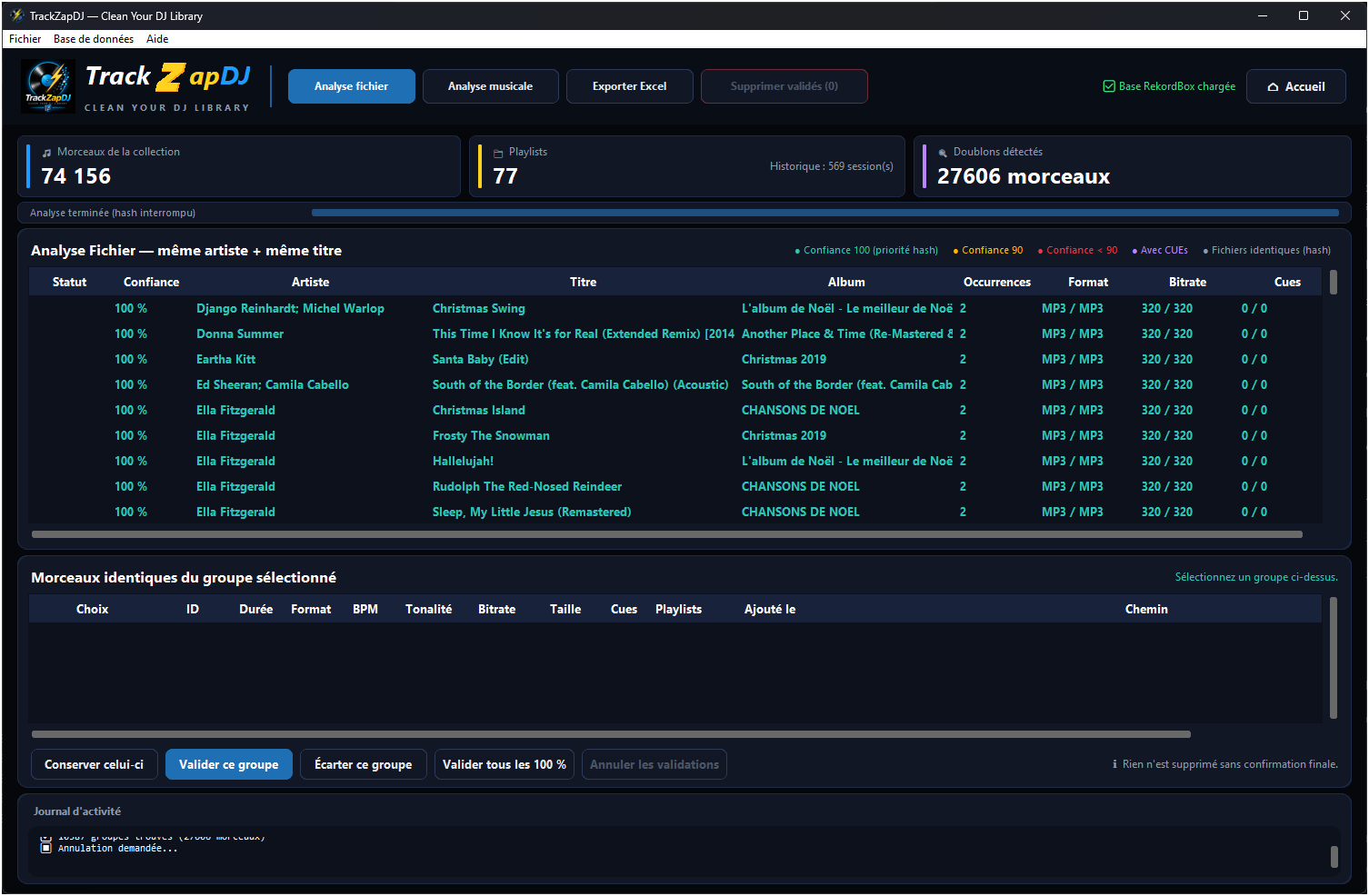
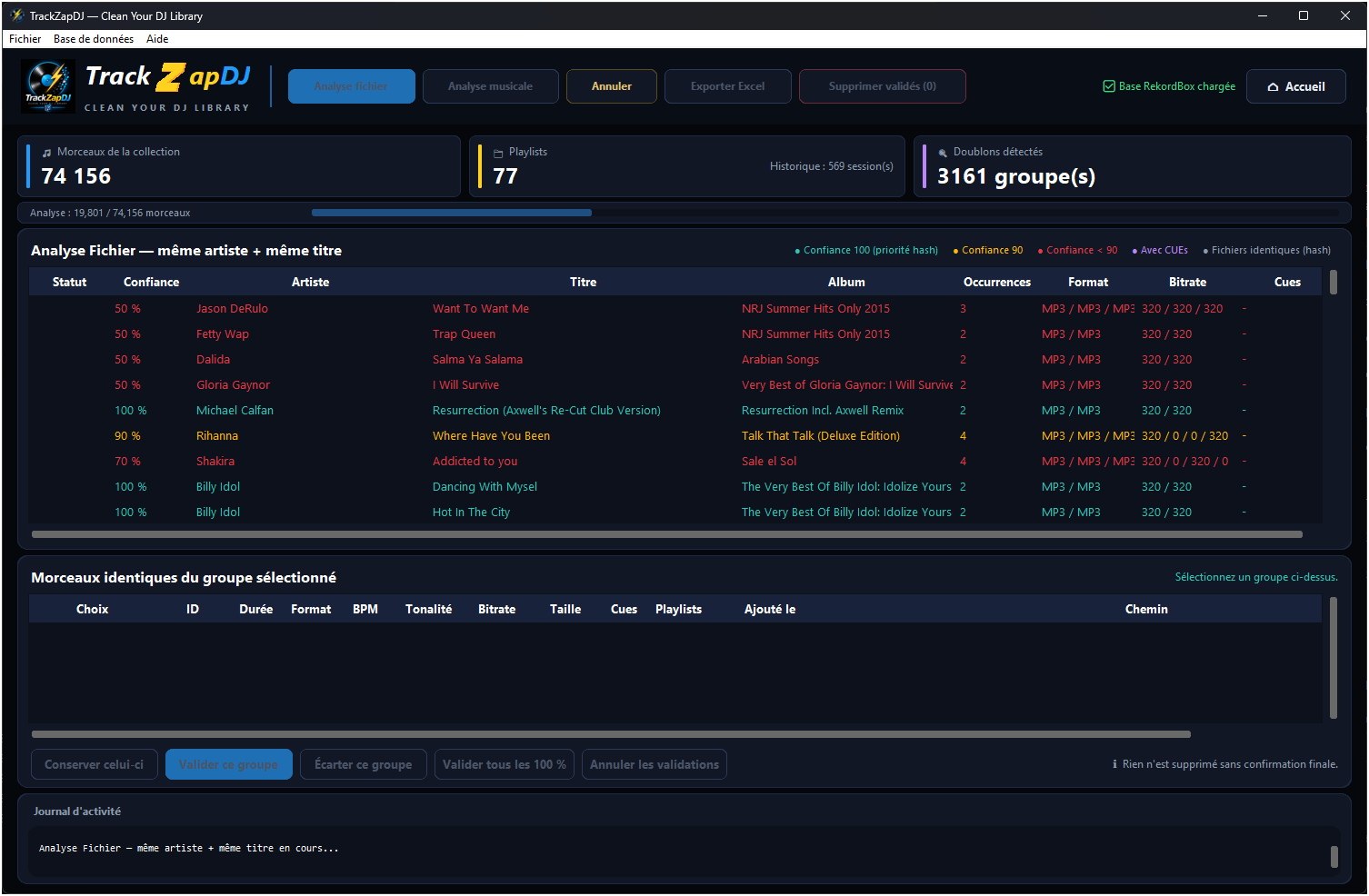
TrackZapDJ finds duplicate groups and shows you how confident it is about each match.
-
02
Review Free
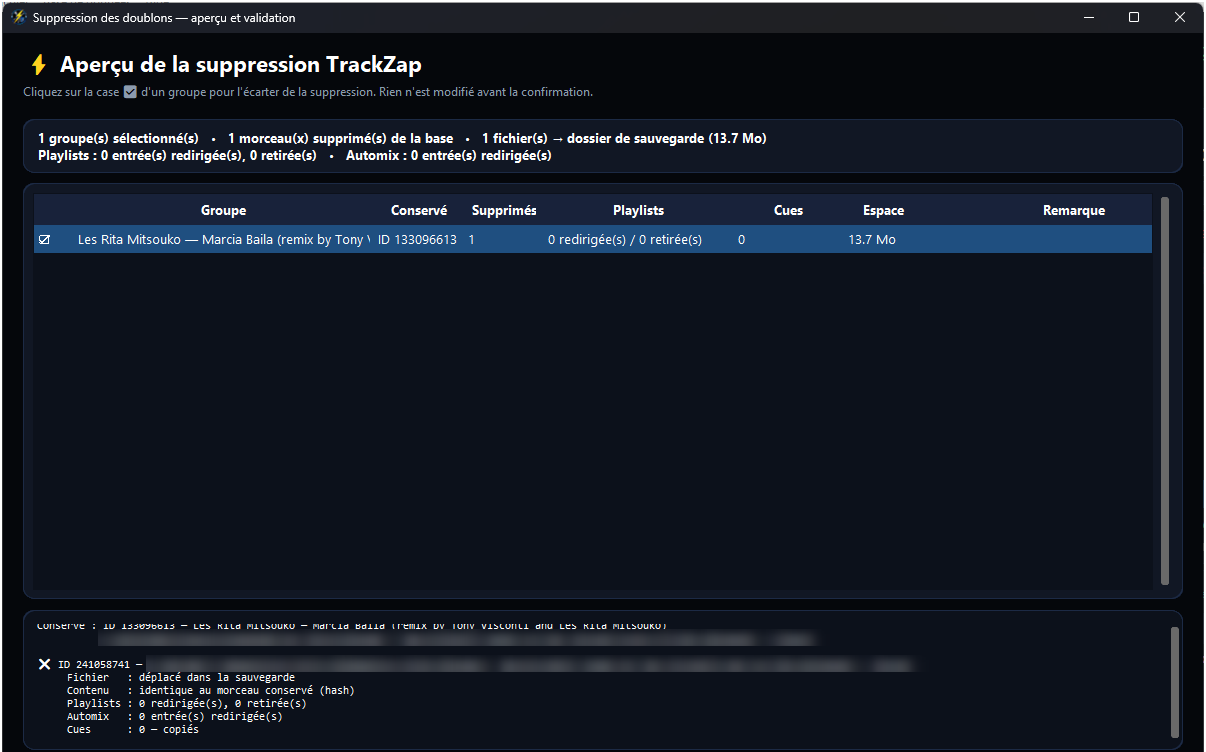
See what would be removed and how much space you could reclaim. Preview everything before making a change.
-
03
Clean up Licence €4.99
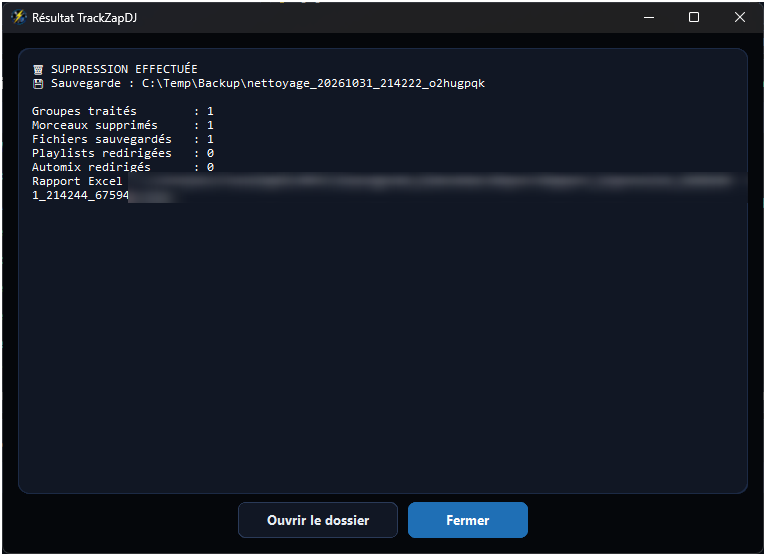
Your library is backed up first. Then duplicates are cleaned up, with playlists redirected to the copy you chose to keep.
Your music stays yours.
Preview for free
See the full result before anything changes.
Backed up first
Your library is backed up before every cleanup.
Undo when you need to
Roll back any of your last five cleanups.
Stays on your PC
Your music library is never uploaded.
The story behind TrackZapDJ
In the late ’80s and early ’90s, I DJed in clubs during vinyl’s golden age, moving between new wave, house and the early days of electronic music. As life moved on, balancing my career and family life (I have two children), I eventually put the decks away, but never lost my passion for sound.
The real turning point came right at the start of lockdown in 2020. I was stuck at home with my daughter, who is also passionate about music and music production. We then decided to invest in a Pioneer DDJ-1000 controller and Rekordbox.
I was straight back behind the decks, but the move to digital created a new need. As I imported gigabytes of MP3s shared by friends or downloaded, my music library quickly turned into a battlefield full of duplicates. At any moment, I could delete the wrong files and lose my hot cues, playlists or set history. Software solutions exist, but they are often overpriced and poorly suited to this specific need (sure, they do plenty of other things, but they are really geared towards DJing).
My work as an enterprise architect took over: I wanted to take on the technical challenge of designing a dedicated tool from a blank page, one that could clean up my library while preserving the absolute integrity of my music data.
What began as a personal challenge to clean up my own library, knowing I surely wasn’t the only one facing this problem, became a project I decided to see through to the end: a complete software project, with a CI/CD pipeline to ensure code reliability (and a thank-you to Grandpied33 — you know who you are), development of the desktop application, and deployment of a web platform to manage licence purchases and activation.
That’s how TrackZapDJ was born: a utility to install on your DJing computer. It is reliable (with rollback support), and scanning your library is free. No data is sent over the internet. Made by a DJ for DJs.
Explore for free. Pay only to clean up.
Free
€0
- Scan and review duplicates
- Preview the cleanup and export to Excel
One-time licence
€4.99once
- Run the cleanup, with backup included
- No subscription · One PC per licence
Questions
Could I lose any tracks?
No. Removed files go into a backup folder, and your Rekordbox database is backed up before every cleanup. Playlists, history and tags are carried over to the copy you keep; cues are copied too when the track lengths match.
Can I undo a cleanup?
Yes. You can roll back any of your last five cleanups, even without a licence. Changes you made in Rekordbox since that cleanup will be lost; TrackZapDJ warns you before you proceed.
Which DJ software does it work with?
Rekordbox 6 and 7 on Windows. Support for macOS, Serato, VirtualDJ and Traktor is planned.
Can it handle a large library?
It’s been tested on a real library of 74,156 tracks.
How does it spot duplicates?
It compares artist and title, key, BPM and duration, then checks the files themselves. If a remix turns up in a group, you can simply leave it out.
Give your library a fresh start.
The scan is free. Nothing changes unless you say so.
You’re on the list. We’ll send one email when TrackZapDJ launches.
We couldn’t sign you up. Check your email address or contact contact@trackzapdj.com.
Just one launch update, then we’ll leave you alone. Privacy policy